Something street legal, but just barely, is coming out of the smoke. A ten-second teaser, built in Photoshop and After Effects. #MustangGTD #StreetLegalButJustBarely
Made for the feed
Viral trends, campaigns, a content series and tutorials for Instagram, TikTok and Facebook, one project at a time. Tap any video to play it, and open a story to see how it was made.
01 · Experiments
Exploring viral trends
Where I try the formats and trends taking off on Instagram, to learn what makes people stop scrolling.
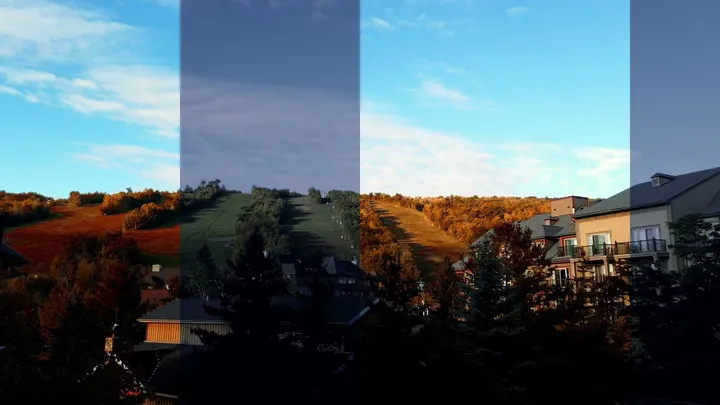
Blue Mountain: Beautiful Color Journey
02 · Concept campaign
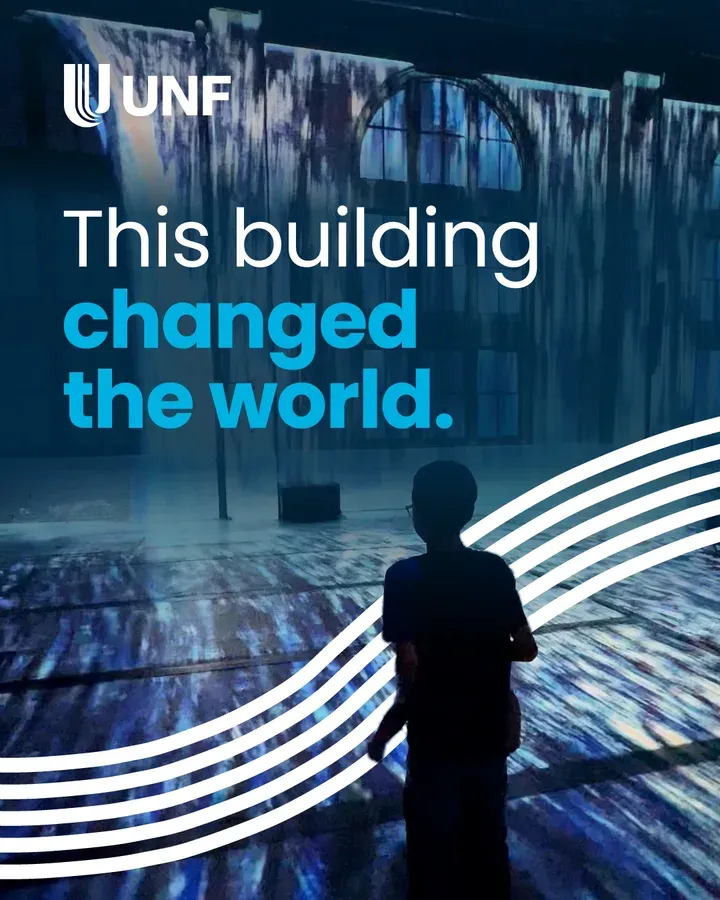
UNF: Innovation flows here
UNF had just launched a new brand, Innovation flows here. I made two pieces in it, each as a still and in motion, to show I can work inside their system from day one.
Concept / spec work, not official UNF content.
Read the story : UNF: Innovation flows here03 · Launch campaign
2026 Ford Mustang GTD
A car I helped build was about to hit the street, so its reveal had to feel as fast as the car: a smoke Reel to reach people, then a seamless carousel to hold them.
Self-initiated concept. Not affiliated with or endorsed by Ford Motor Company.
Read the story : 2026 Ford Mustang GTD-
-
Seamless Carousel
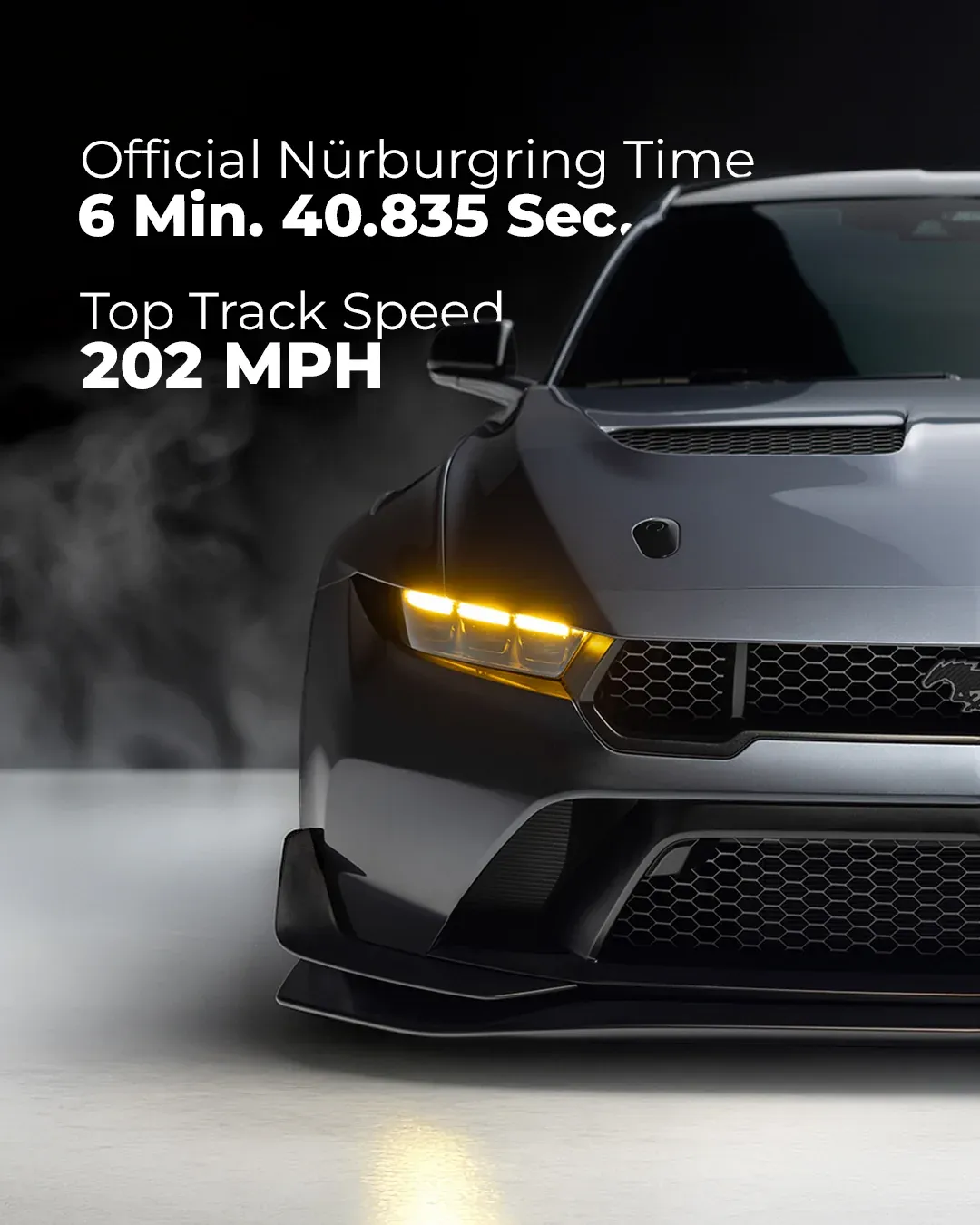
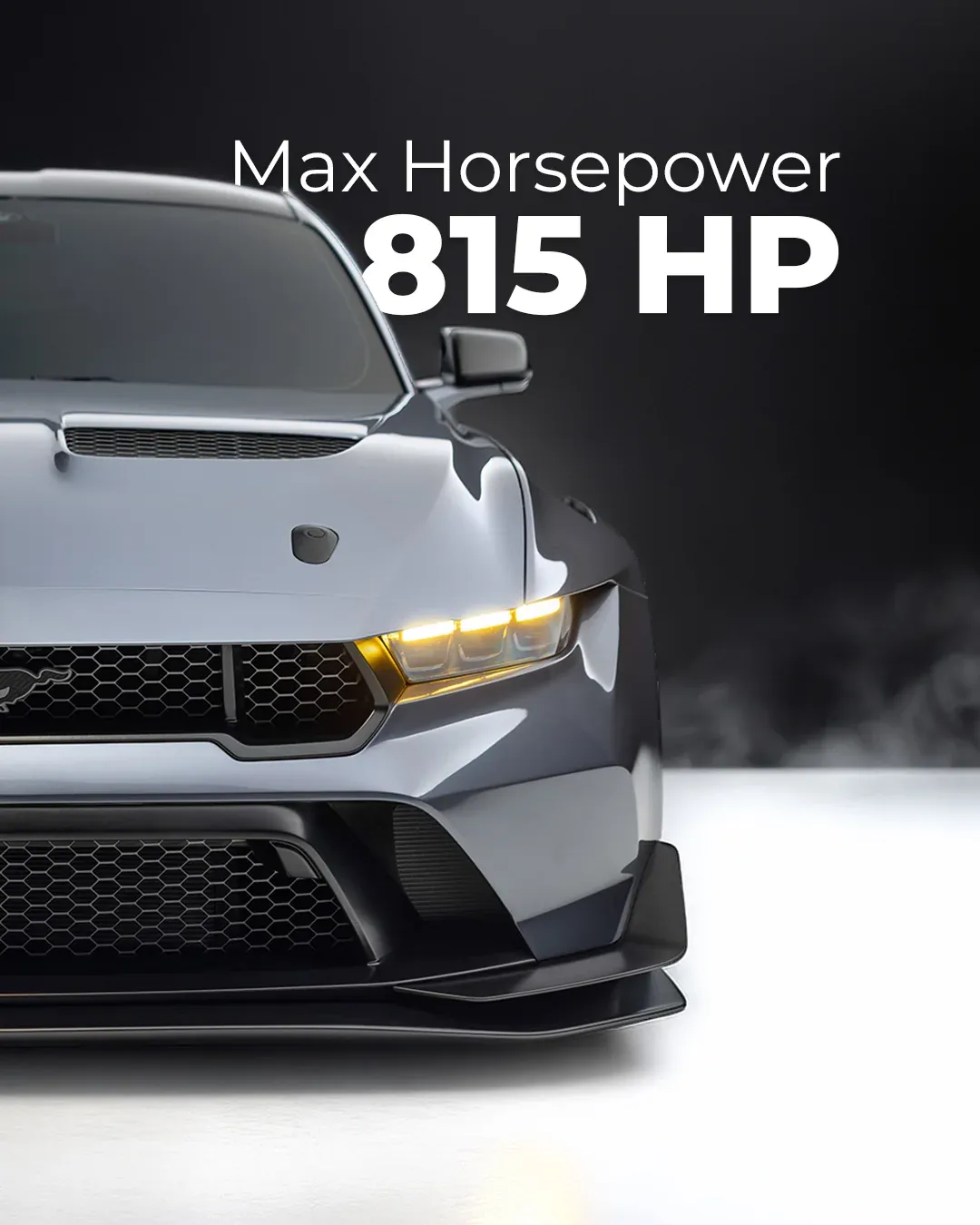
Swipe slowly. Four panels, one car: the 2026 Ford Mustang GTD as one unbroken frame across the swipe. #MustangGTD #StreetLegalButJustBarely
04 · Campaign
Get Found in 5
An organic campaign for DevSign Hacks: five fixes that help a small business get found, shown on a fictional brunch spot.
Maple Tree House is a fictional restaurant. Shown muted here: the music is licensed for Instagram only.
-
This brunch spot was invisible on Google. Twenty minutes fixed it. Fix 1 of GetFoundIn5: complete your Google Business Profile. #GetFoundIn5 #devsignhacks
-
One brunch spot, five fixes, before and after. None of it needed a full redesign. #GetFoundIn5 #devsignhacks
05 · Tutorials
How-to videos
Short lessons that show a tool step by step, with real screen recordings.
-
How to schedule Instagram, Facebook and LinkedIn posts at once with @buffer, free plan included. #devsignhacks #buffer
06 · Campaign
First Light
A launch week for DevSign Hacks: a sunrise drive where every word slips behind the bridges, then a five-step tutorial that teaches the trick in After Effects.
Self-initiated. Not affiliated with University of Niagara Falls Canada.
-
Every word in this video goes BEHIND the bridges. Here's the trick ↓ A sunrise drive from Toronto to @unf_can. #aftereffects #hyperlapse
-
Save this: text BEHIND objects in After Effects in 5 steps 👇 Comment ROTO and I'll DM you the one-page cheat sheet. #aftereffects #rotobrush
07 · Campaign
Kinetic Typography Tutorial
A launch week for DevSign Hacks: a 30-second film built word by word, then a tutorial that teaches it by hand in After Effects, no plugins.
-
Send this to the one who was there before the win. 🤝 Kinetic typography animation, built word by word in After Effects. #kinetictypography #aftereffects
-
Kinetic typography, made in After Effects. No plugins. ⚡ This tutorial shows you how, step by step. #kinetictypography #aftereffects
08 · Content series
Devsign8 Instagram Safe-Zone Toolkit
Instagram covers part of every post. This toolkit shows exactly which part, for every format, and builds the canvas to avoid it.
Read the story : Devsign8 Instagram Safe-Zone Toolkit-
Your logo is under Instagram's share button right now. Reels need 130px clear on the right, not the usual 65. #reelstips #graphicdesign
-
A square post loses 135px from each side on your profile grid. Keep your logo inside the middle 810px. #instagramtips #graphicdesign
-
A Reel cover can't be edited after you post. It has to work at 9:16 and as a 3:4 grid tile, cropped 240px top and bottom. #reelstips #instagramtips
-
The bottom 672px of your Story belongs to Instagram. The reply bar, link sticker and music ticker sit on top of it. #instagramtips #graphicdesign
-
Your 4:5 post loses 34px per side on the grid. Enough to clip a logo that sits close to the edge. #instagramtips #graphicdesign
-
Your profile photo loses its corners, every time. Instagram shows your 1080 × 1080 upload as a small circle. #instagramtips #branding
-
Instagram never covers a feed post. The username sits above the image and the buttons below, so the whole frame is yours. #instagramtips #graphicdesign
-
Slide one sets the shape of every slide after it. Build every slide at 1080 × 1440 and nothing gets cropped. #carouseldesign #instagramtips
-
Only the centre circle of your highlight cover shows. Centre your icon both ways inside the middle 720px. #instagramtips #branding
-
One 9:16 master. Four placements. No re-cutting. Keep 270px clear at the top and 672px at the bottom. #reelstips #socialmediadesign