DigiSkills App Logo

A pro bono logo for a free online-safety app: an open book with pixels lifting off its pages.

01 The mark

The oldest symbol of learning meets the newest: an open book, with pixels lifting off its pages.

Book
Knowledge. An open book, the oldest symbol of learning: six solid pages, three a side, the right half an exact mirror of the left.
Pixels
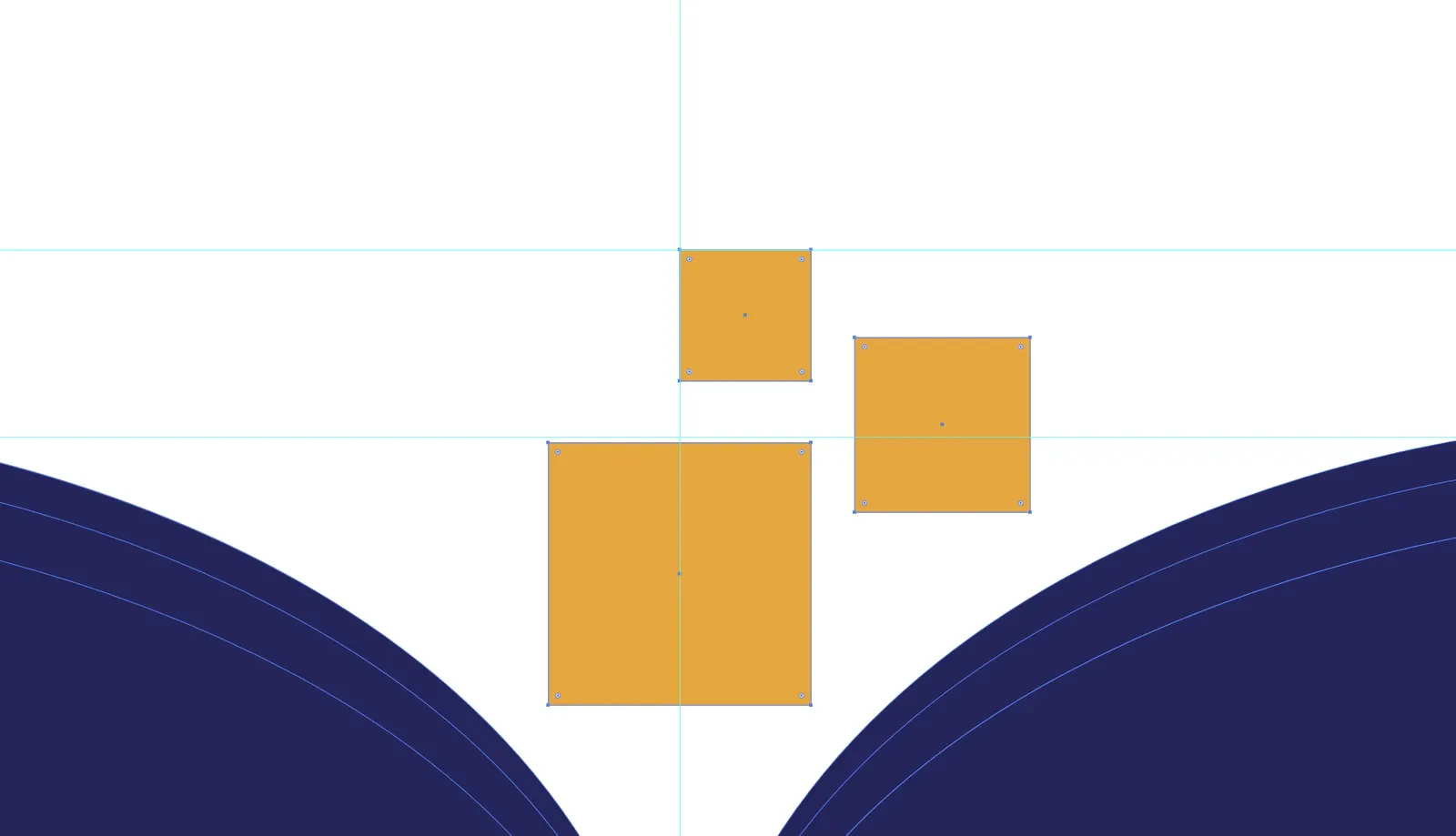
Digital skill, rising. Three amber pixels lift off the spine and shrink as they rise, at 1, 2/3 and 1/2. The largest sits on the spine.
Project
Pro bono
Role
Designer: logo, colour system, app icon and UI/UX study
Deliverables
Logo, App icon, Colour system, UI/UX study
Tools
Illustrator, Photoshop
The final DigiSkills mark on a pale ground: an indigo open book with three amber pixel squares rising from its spine. The final DigiSkills mark reversed on indigo: a white open book with three amber pixel squares rising from its spine.
The final DigiSkills mark on a pale ground: an indigo open book with three amber pixel squares rising from its spine.

02 The brief

A friend who builds mobile apps was making DigiSkills, a free app that teaches children online safety and is built for students on low-end phones. It needed a mark a child would want to open, that reads on a small, low-resolution screen, and that never looks cheap just because the app is free.

03 Construction
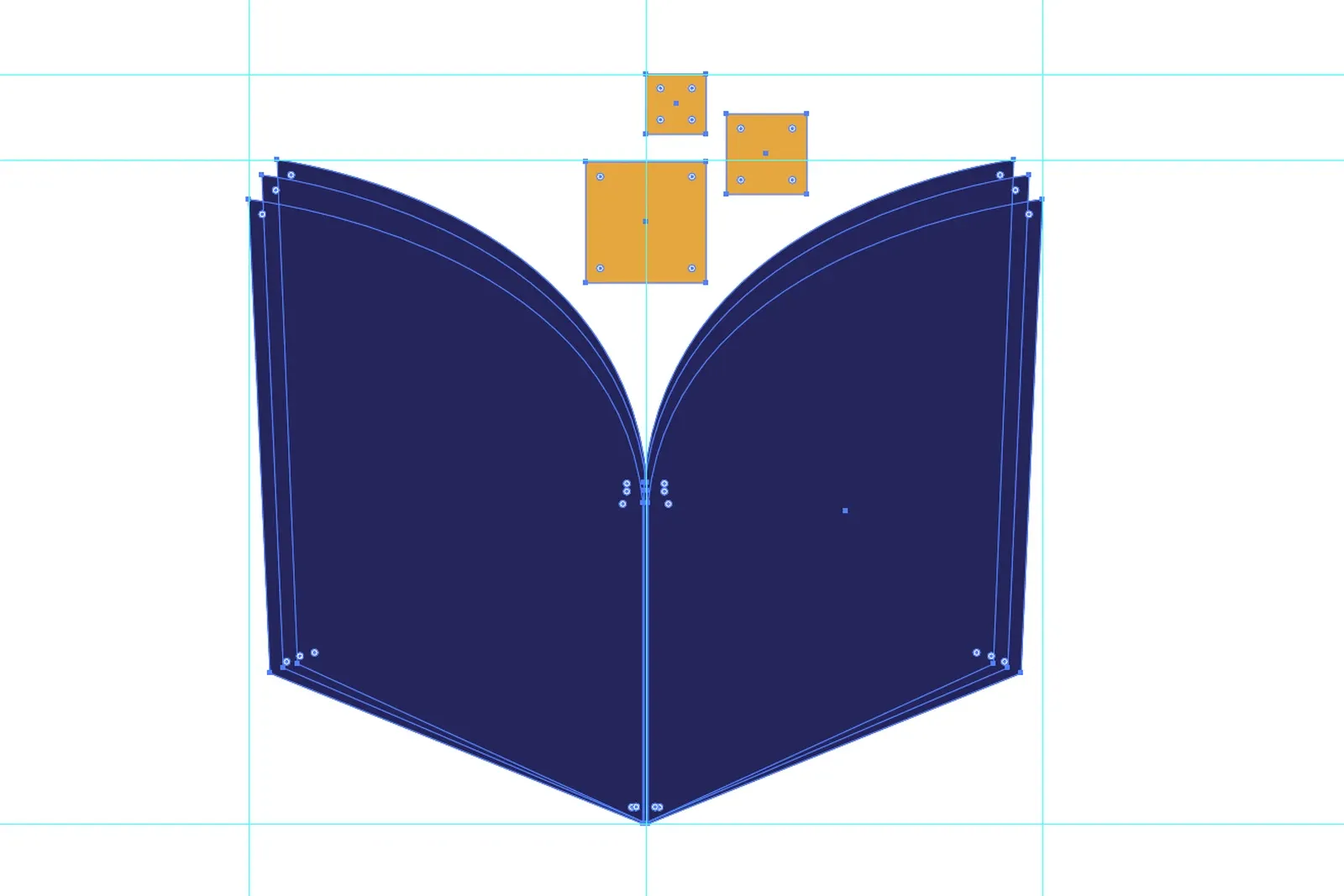
Screenshot from Adobe Illustrator: the final mark selected with the Direct Selection tool, every anchor point showing on the six indigo pages and three amber squares, on cyan guides at the top of the pixels, the top of the pages, the base of the book and the spine.
The final mark in Illustrator, every anchor point selected: six flat pages and three square pixels, two colours, no transparency and no overlap. The spine guide runs through the largest pixel.
Screenshot from Adobe Illustrator at 400%: the three amber pixel squares rising off the book's spine, the largest centred on the spine guide, between the curves of the inner pages.
At 400%: the pixels, at 1 : 2/3 : 1/2, getting smaller as they rise off the spine.

04 Typography

No type in the mark: the book and its pixels work alone, so it reads in any language and at icon size. In the UI/UX study, the app's name is set in a geometric sans serif, and the screens speak to children in a rounded sans serif.

05 Colour

  • Indigo #1C1E5E The book, and the app icon's tile.
  • Amber #F7A50A The three pixels, and nothing else in the mark.
  • Surface #F6F6FB The light ground.
  • White #FFFFFF The book on the indigo tile.

06 Usage

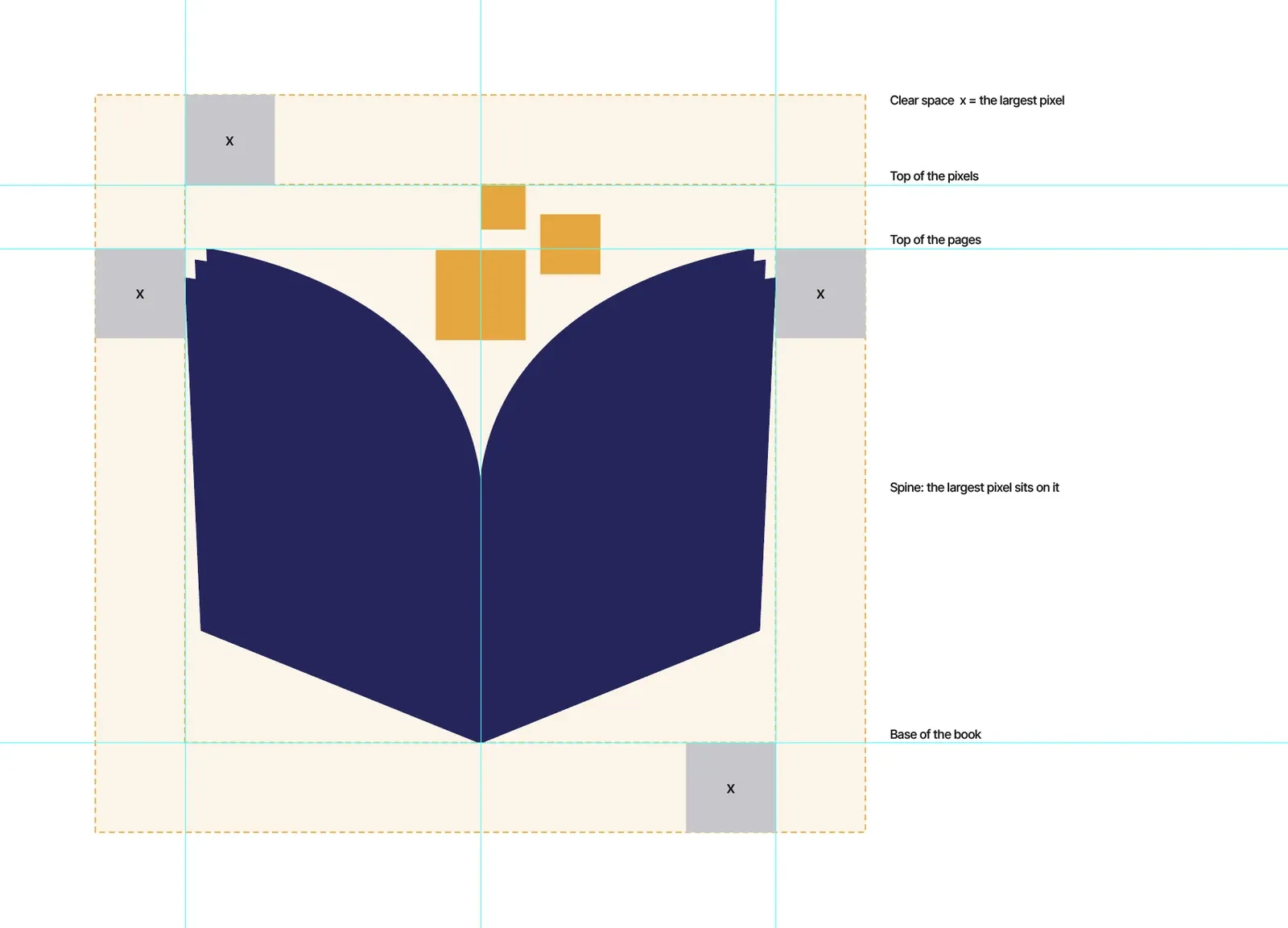
Screenshot from Adobe Illustrator: the mark inside a pale amber clear-space zone with dashed edges and cyan guides, a grey square marked x on each side as the unit, and black labels: clear space x = the largest pixel, top of the pixels, top of the pages, the spine and base of the book.
Clear space is x, the side of the largest pixel, on every side, at whatever size the mark is used. The grey squares mark it; nothing enters the amber zone.
  • The mark in full colour, indigo and amber, on a pale ground.
    Full colour
  • The mark reversed: a white book with amber pixels on indigo.
    Reversed on indigo
  • The app icon: the white book and amber pixels on a rounded indigo tile.
    App icon
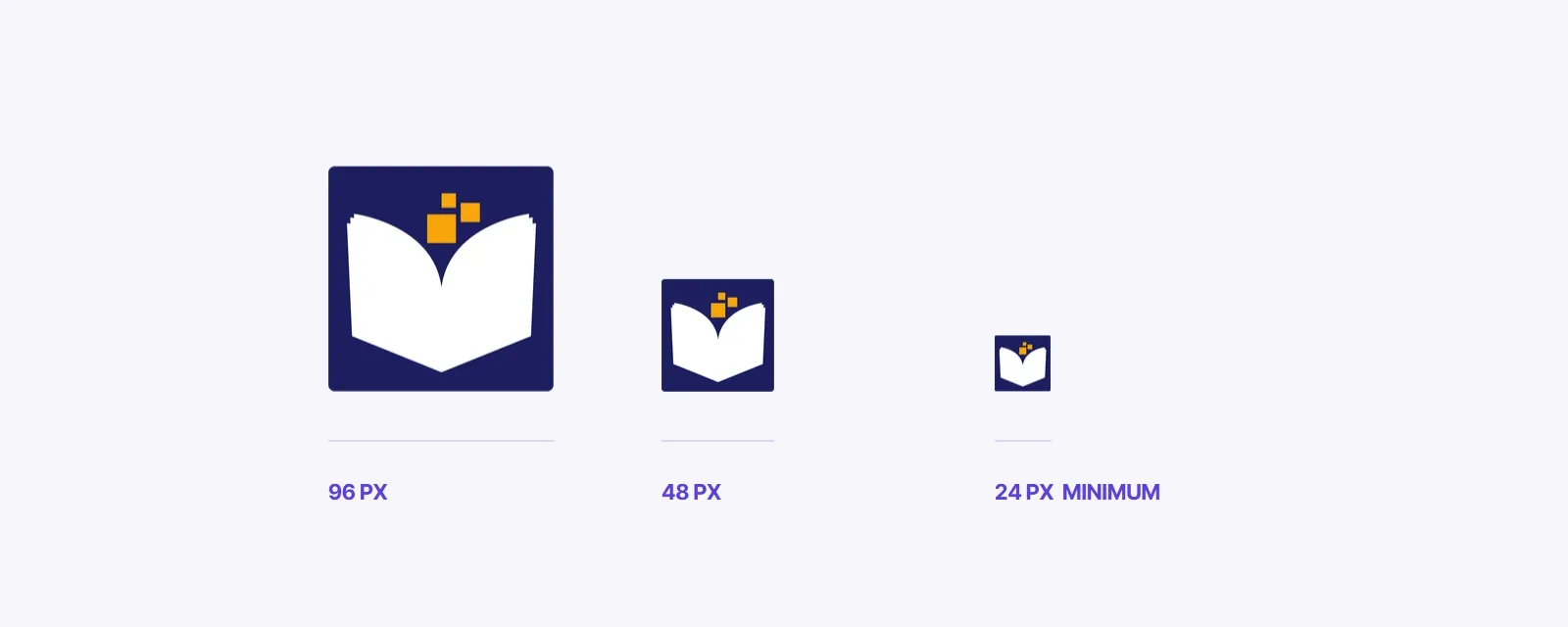
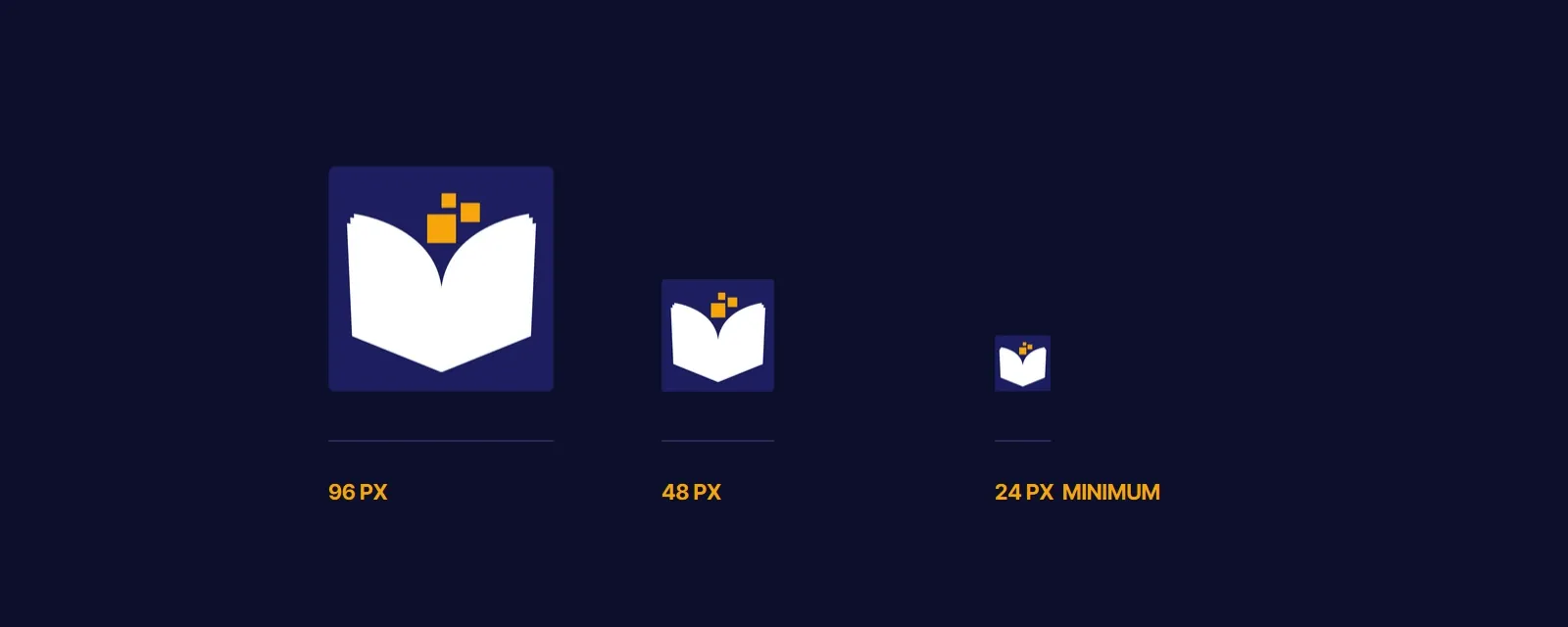
The app icon at 96, 48 and 24 pixels, each labelled; 24 px is marked as the minimum. The app icon on deep navy at 96, 48 and 24 pixels, each labelled; 24 px is marked as the minimum.
Never smaller than 24 px: the book and its three pixels still show.
  • Keep clear space equal to the largest pixel on every side.
  • Indigo and amber, white and amber on indigo, or one colour.
  • Never add transparency, gradients or overlap; keep the pages flat.
  • Use the official file; never redraw the pixels.

07 In use

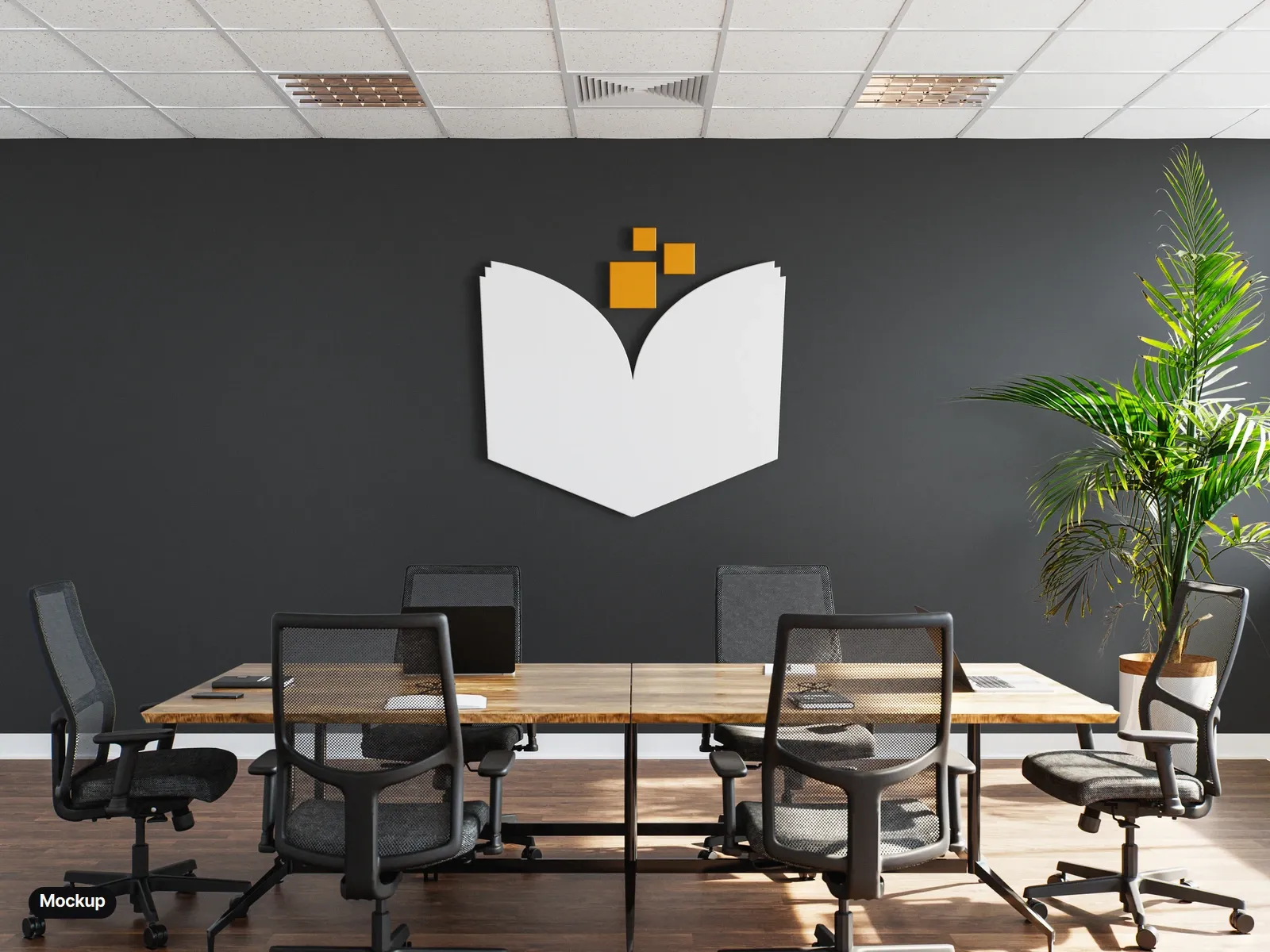
  • Mockup: the mark as a white dimensional book with amber pixels on a charcoal meeting-room wall, above a wooden table and black office chairs.
    Mockup: a dimensional sign on the wall.
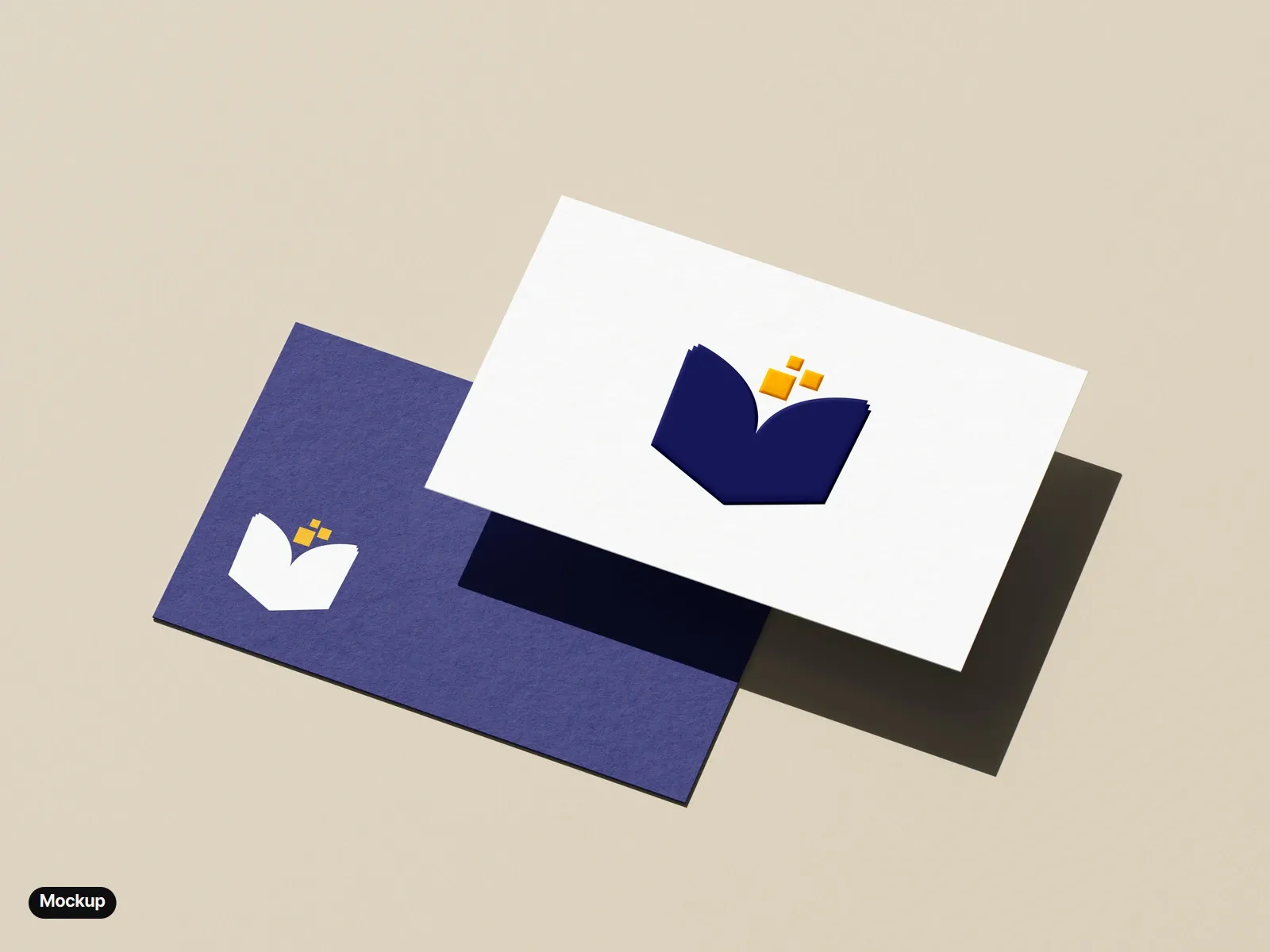
  • Mockup: two business cards on a beige ground: a white front with the indigo and amber mark printed and embossed, over an indigo back with the white and amber mark in its corner.
    Mockup: business cards, front and back.
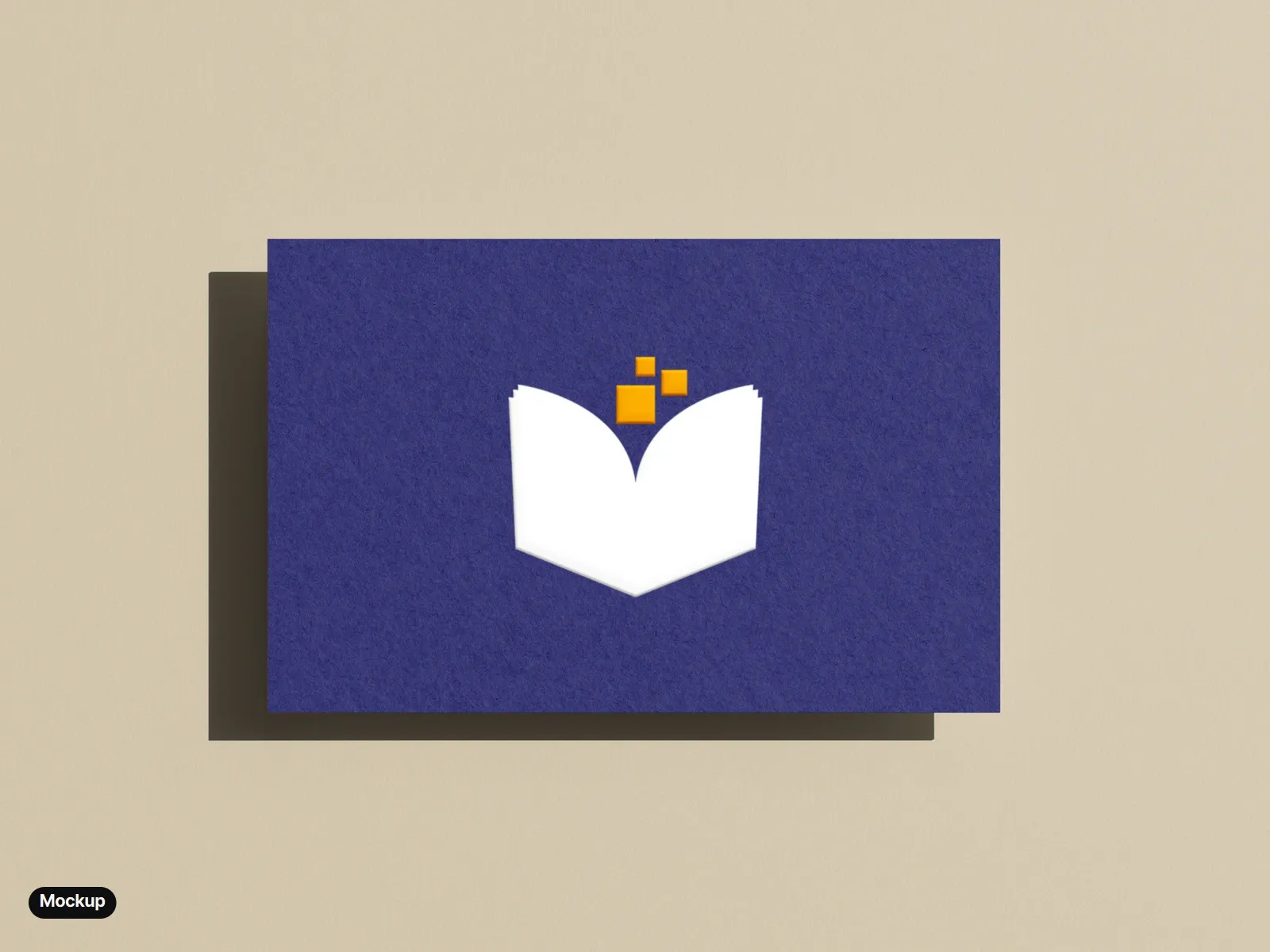
  • Mockup: an indigo business card on a beige ground, the white book and amber pixels printed and embossed.
    Mockup: the reversed mark, printed and embossed.
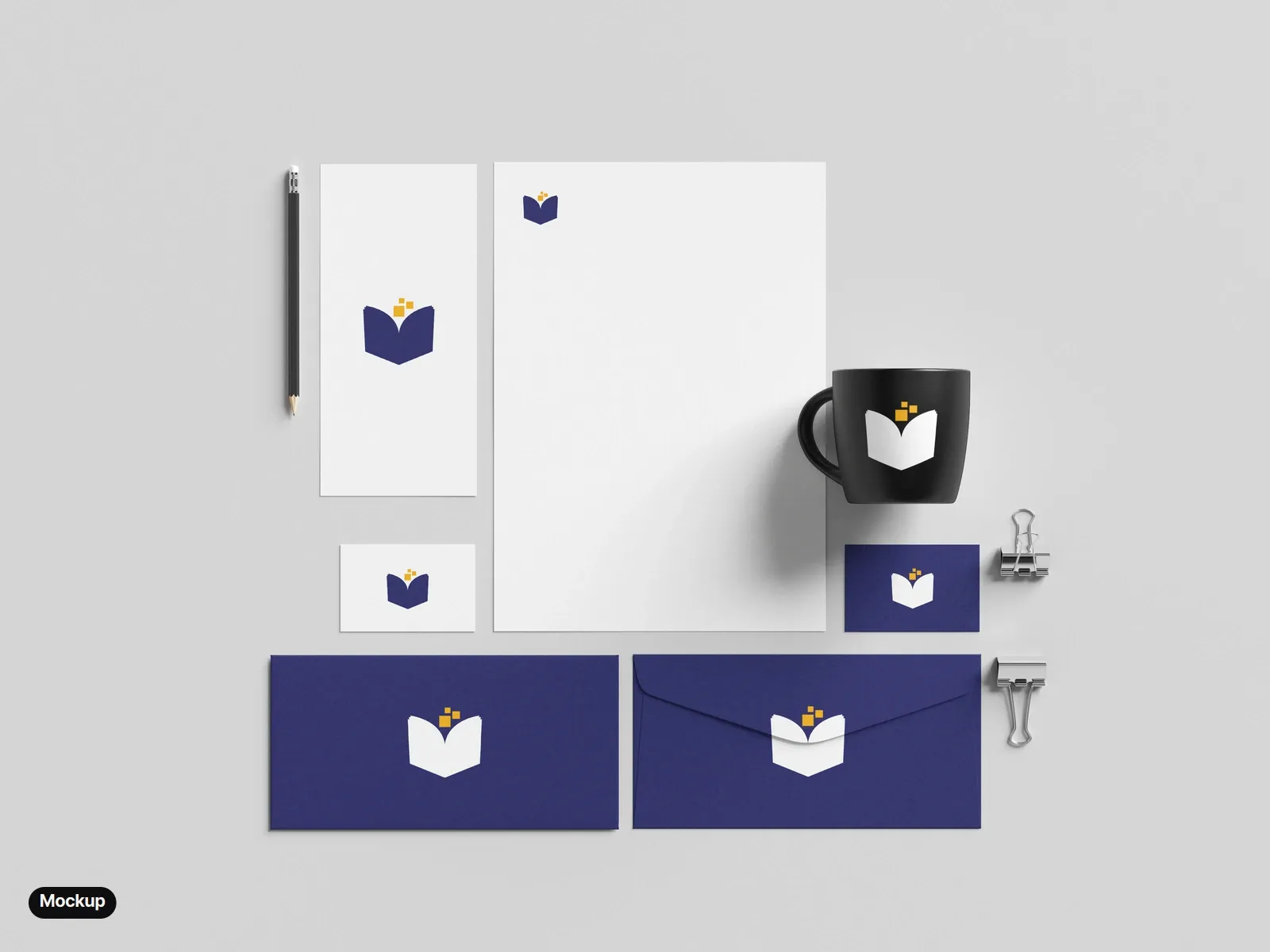
  • Mockup: a stationery set from above: a white letterhead, a DL card and a white business card with the full-colour mark; an indigo business card, two indigo envelopes and a black mug with the reversed mark.
    Mockup: letterhead, cards, envelopes and a mug.

Photo mockups made from free Mockups-Design.com templates, with the final mark placed in Photoshop. The app itself is in review with the App Store and Google Play, not yet live.

Back to top